




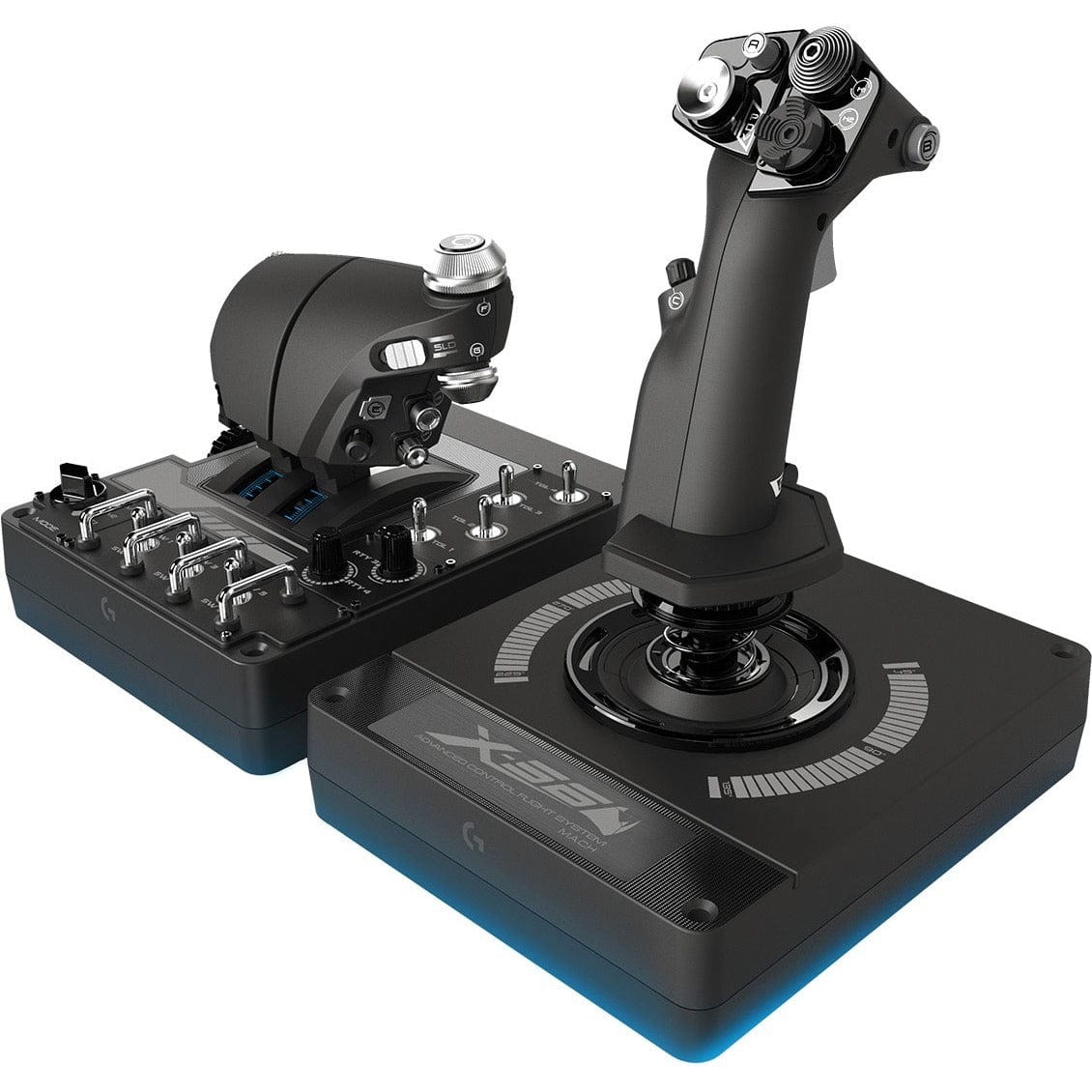
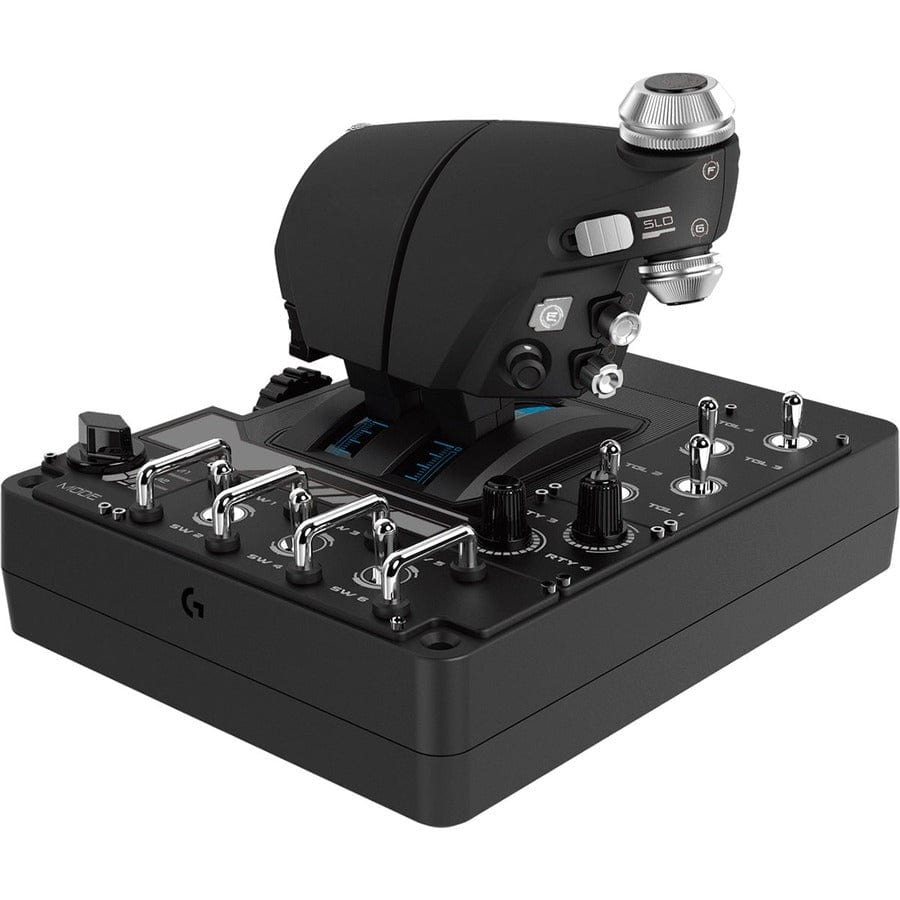
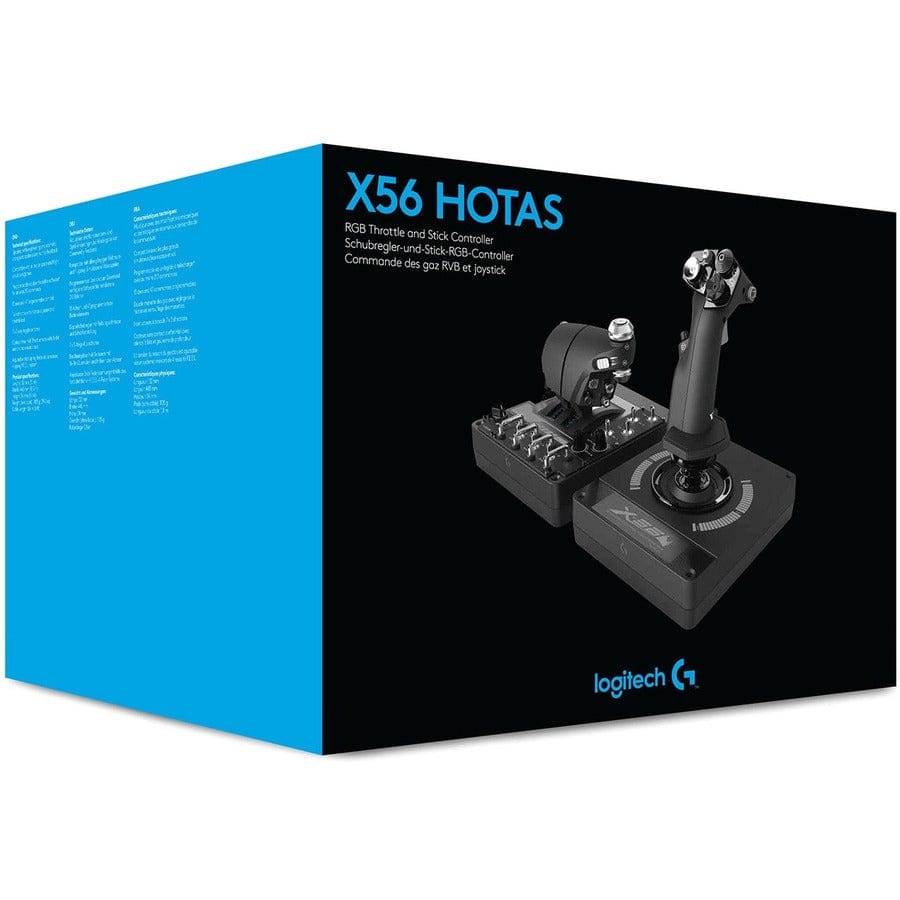
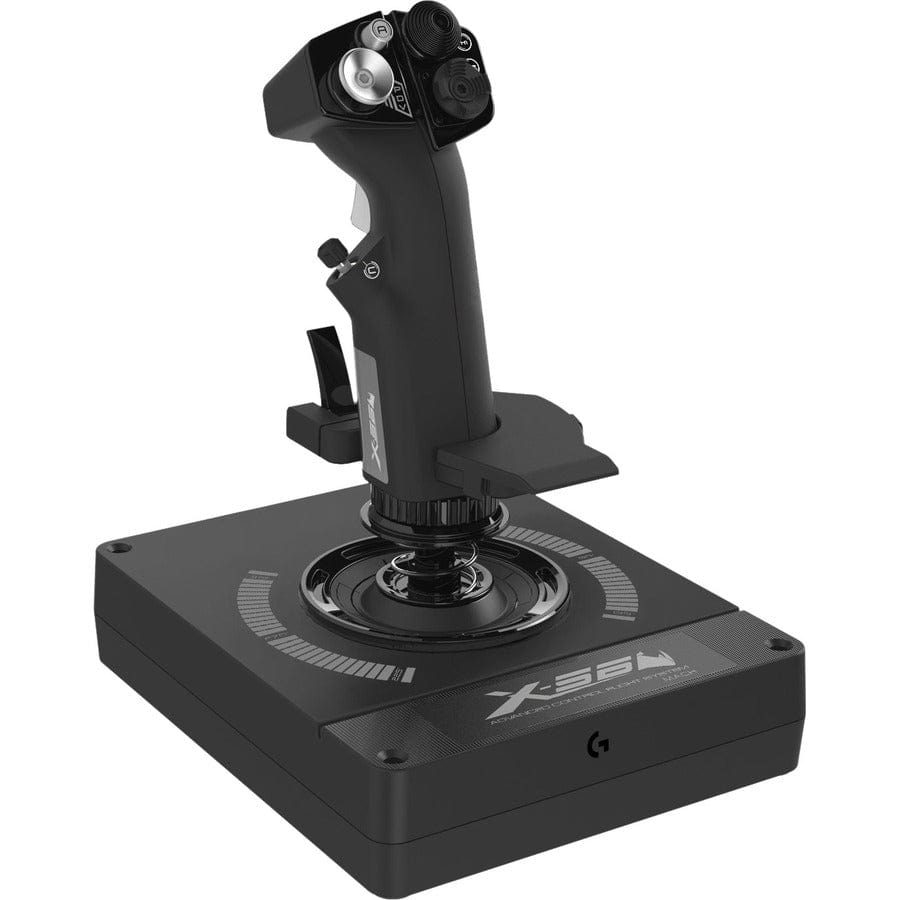
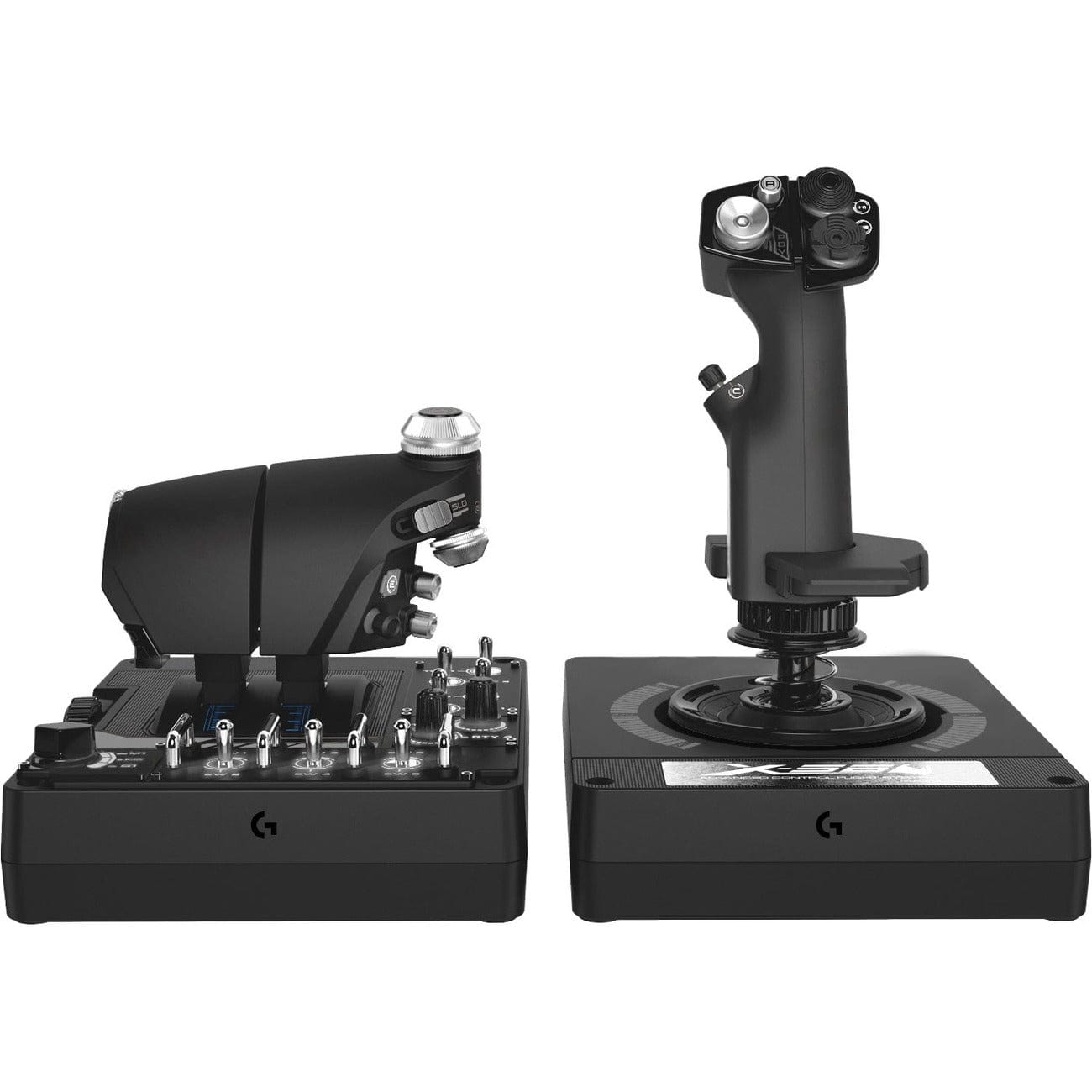
Sistema Logitech G Saitek Pro Flight X-56 HOTAS (PC)
39065
Benefícios
Benefícios
Envio e Entrega
Envio e Entrega
Devoluções
Devoluções
O controlador de voo Logitech G Saitek Pro Flight X-56 HOTAS é o ápice da tecnologia profissional de manche e acelerador para entusiastas de simulação.
Este joystick avançado oferece precisão incomparável de 16 bits com sensores sem contato, proporcionando a resposta de controle mais precisa disponível atualmente.
Precisão e personalização para simuladores de voo
Para quem busca o melhor HOTAS para o Microsoft Flight Simulator 2020 ou controles de voo compatíveis com VR, o X-56 atende às necessidades de todos os pilotos. O sistema de aceleração dupla com controle de fricção personalizável elimina o incômodo de operar aeronaves bimotoras com configurações de aceleração única. Molas de tensão ajustáveis com quatro opções resolvem o problema comum da resistência não personalizável. Os entusiastas não precisam mais se comprometer entre precisão e personalização — este HOTAS programável oferece ambos, replicando a dinâmica de controle autêntica da aeronave.
Transforme seu cockpit com recursos avançados
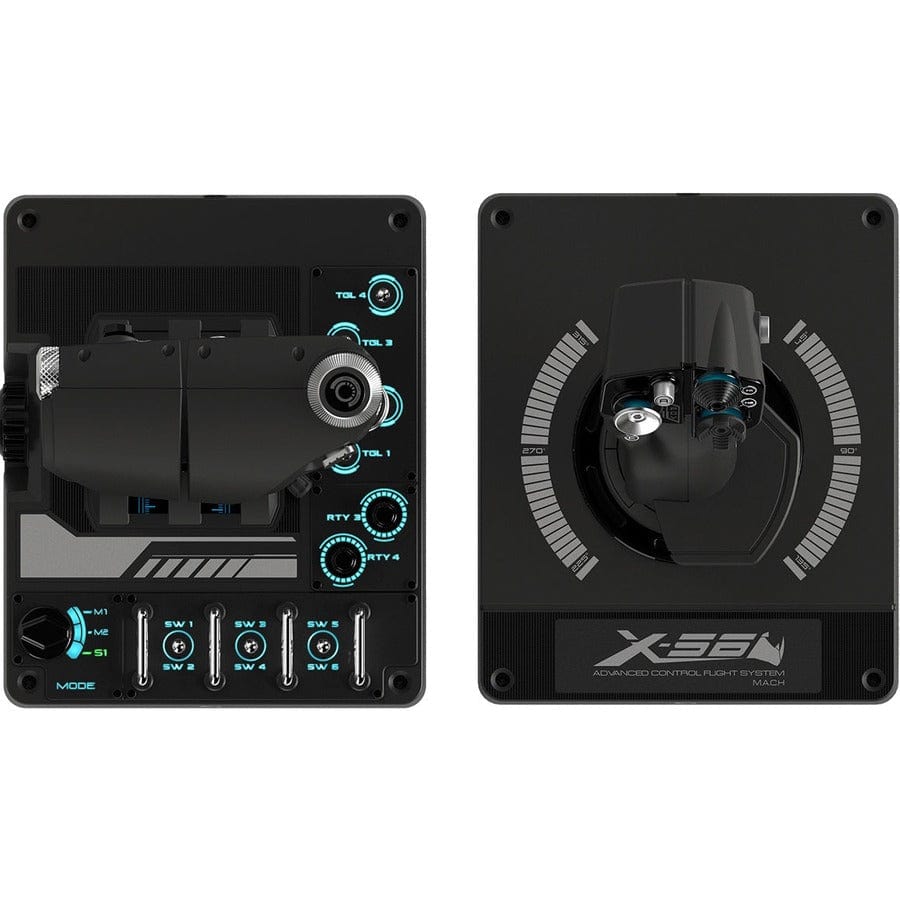
Os mais de 189 controles programáveis e a personalização da iluminação RGB do sistema transformam qualquer cockpit de simulador de voo em um centro de comando de nível profissional. Compatível com Windows 11 e 10, este periférico se conecta por meio de duas portas USB 2.0 e funciona com quase todas as plataformas de simulação populares. De controladores de simuladores espaciais que exigem mapeamento de comandos complexo a controles de voo realistas para aviação, os sete interruptores de alternância de 3 vias e os dois rotativos do X-56 oferecem a versatilidade que os pilotos experientes exigem. A integração do software Logitech G garante que suas configurações personalizadas sincronizem perfeitamente com outros periféricos de jogos, criando um ambiente de simulação coeso.
Domine simulações complexas de voo e espaço com o Logitech G X56 HOTAS, que oferece precisão superior de 16 bits e personalização incomparável por meio de mais de 189 controles programáveis. Assuma o comando total – adquira o seu agora mesmo!
Frequently Asked Questions
What is included with the Logitech G Saitek Pro Flight X-56 H.O.T.A.S. System?
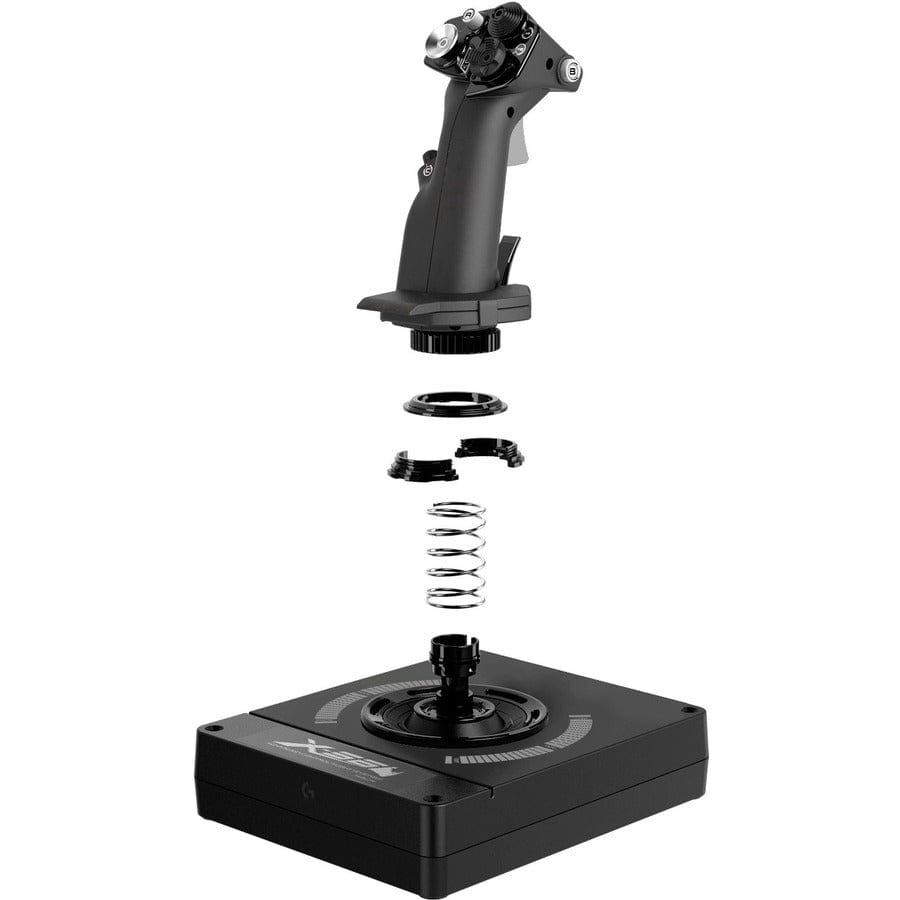
The X-56 is a two-piece system with a separate joystick unit and a separate dual-throttle unit, each connecting by its own cable. It also includes four interchangeable tension springs for the adjustable stick force system. Positioning the stick and throttle independently lets you build a comfortable cockpit layout on your desk.
How does the X-56 connect to my computer?
The X-56 is a wired controller. The joystick and the throttle are separate units, and each connects through its own USB 2.0 cable, so two USB ports are used in total. There is no wireless option. Plugging in both units gives you the full set of buttons, axes, and RGB lighting for your simulator.
Is the X-56 compatible with Mac, Xbox, or PlayStation?
The X-56 is built for Windows PC simulation only and connects through USB. It is not designed for Mac computers or for Xbox or PlayStation consoles. For PC titles such as Microsoft Flight Simulator, DCS World, and X-Plane it is a strong fit, with deep programmability for both flight and space simulation.
Which simulators and Windows versions does the X-56 support?
The X-56 works on Windows and with nearly every popular PC simulation platform, including Microsoft Flight Simulator 2020, DCS World, X-Plane, and Star Citizen. Its broad compatibility and deep set of more than 189 programmable controls make it well suited to both detailed flight sims and demanding space titles.
What software is used to program and customize the X-56?
The X-56 is configured through Logitech G software on Windows. From there you map buttons, toggle switches, and rotaries to in-sim commands, fine-tune the axes, and customize the RGB lighting colors. Logitech G software integration also lets your X-56 settings sync alongside other Logitech G peripherals so your whole setup stays consistent.
Can I adjust the stick tension on the X-56?
Yes. The X-56 includes an adjustable stick force system with four interchangeable springs of varied resistance. You can swap springs to make the joystick lighter or firmer to match your preference and the aircraft you are flying, so the feel suits everything from gentle airliner handling to tighter, more responsive control.
How does the dual throttle work, and can I use it for a single-engine aircraft?
The X-56 uses a twin-throttle design intended for easy management of multiengine aircraft, with customizable friction so each lever moves with the resistance you prefer. Independent levers let you set engines individually, while the design also supports flying single-engine aircraft when you want to move the controls together.
How many programmable controls does the X-56 have?
The X-56 offers more than 189 programmable controls. That count includes seven 3-way toggle switches and two rotaries, along with the buttons and axes across the stick and throttle. This command depth lets you map a large number of in-sim functions directly to the hardware for both flight and space simulation.
What sensors does the X-56 use for precision?
The X-56 uses 16-bit aileron and elevator axes driven by contact-free hall-effect sensors. Because these sensors do not rely on physical contact, they deliver smooth, accurate control response and resist the wear that can affect older potentiometer designs, helping keep your inputs consistent over long simulation sessions.
Is the X-56 suitable for VR flight setups, and does it have RGB lighting?
Yes on both. The X-56 suits VR flying because its distinctly shaped buttons and switches let you find each control by feel without looking, which matters when a headset hides the hardware. It also features customizable RGB backlighting set through Logitech G software, which adds style and makes controls easy to locate in a dark room.
What is the manufacturer part number for this X-56?
The Logitech G Saitek Pro Flight X-56 H.O.T.A.S. System carries manufacturer part number 945-000058. Referencing this number helps confirm you are ordering the complete stick and throttle system rather than a stick-only or throttle-only listing when you compare options across retailers.
-
 PromoçãoFornecedor:Logitech G
Pacote de simulação de voo básico Logitech G Saitek com download digital do Microsoft Flight Simulator Standard (PC)
Preço normal $389.99Preço promocional $389.99 Preço normalPreço unitário por$519.97 -
 PromoçãoFornecedor:Logitech G
Logitech G Saitek Pro Saitek Flight Yoke e sistema de quadrante de aceleração (PC)
Preço normal $179.99Preço promocional $179.99 Preço normalPreço unitário por$229.99 -
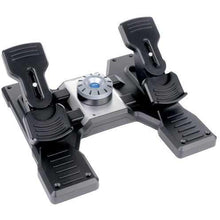 PromoçãoFornecedor:Logitech G
Pedais de leme de voo Logitech G Saitek Pro Saitek (PC)
Preço normal $179.99Preço promocional $179.99 Preço normalPreço unitário por$229.99 -
 PromoçãoFornecedor:Logitech G
Pacote de voo Logitech G Saitek Pro Yoke com download digital padrão do Microsoft Flight Simulator (PC)
Preço normal $229.99Preço promocional $229.99 Preço normalPreço unitário por$289.98 -
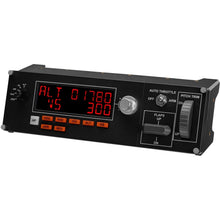 PromoçãoFornecedor:Logitech G
Logitech G Saitek Pro Flight Multi Painel (PC)
Preço normal $169.99Preço promocional $169.99 Preço normalPreço unitário por$199.99 -
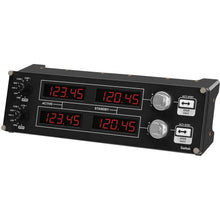 PromoçãoFornecedor:Logitech G
Painel de rádio de voo Logitech G Saitek Pro (PC)
Preço normal $169.99Preço promocional $169.99 Preço normalPreço unitário por$199.99 -
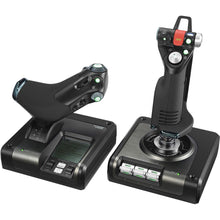 PromoçãoFornecedor:Logitech G
Sistema de controle de voo Logitech G Saitek X52 Pro HOTAS (PC)
Preço normal $229.99Preço promocional $229.99 Preço normalPreço unitário por$259.99 -
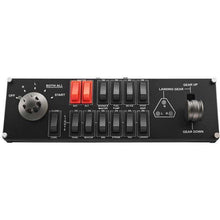 PromoçãoFornecedor:Logitech G
Painel de interruptores de voo Logitech G Saitek Pro (PC)
Preço normal $119.99Preço promocional $119.99 Preço normalPreço unitário por$129.99


-
 Frete GRÁTIS para o Brasil (em compras a partir de R$ 300)Save on outbound delivery!
 -
 4.8/5 StarsReviewed by 26,000+ Fellow Pilots
 -
 Expert Pilot SupportGear Tested by Real Pilots
 -
ENVIADO HOJE (Pedidos até às 15h ET)Receba mais rápido!
- Ao escolher uma seleção, a página inteira é atualizada.
- Abre em uma nova janela.